


Security management thatactually gets used
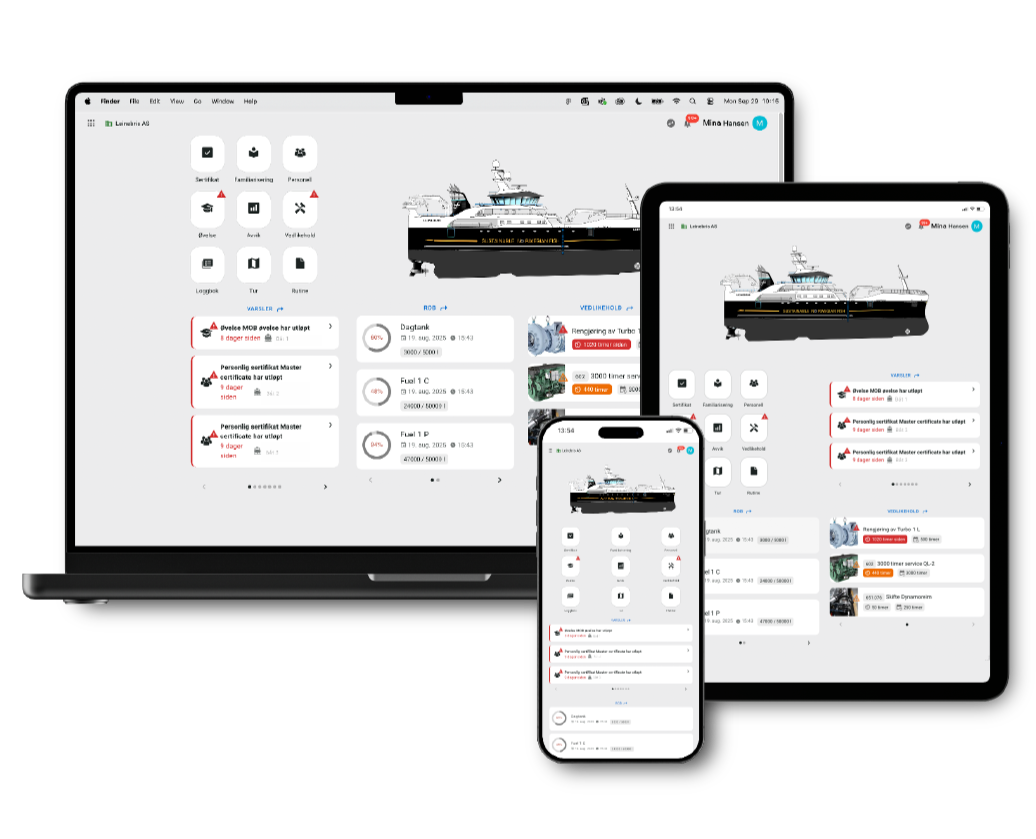
Upgrade from fragmented solutions to one ISM-approved platform — safety management, maintenance, e-logbooks and 24/7 manned emergency response, all in one place for crew and shore.
Security management thatactually gets used
Upgrade from fragmented solutions to one ISM-approved platform — safety management, maintenance, e-logbooks and 24/7 manned emergency response, all in one place for crew and shore.
A natural choice for the maritime sector

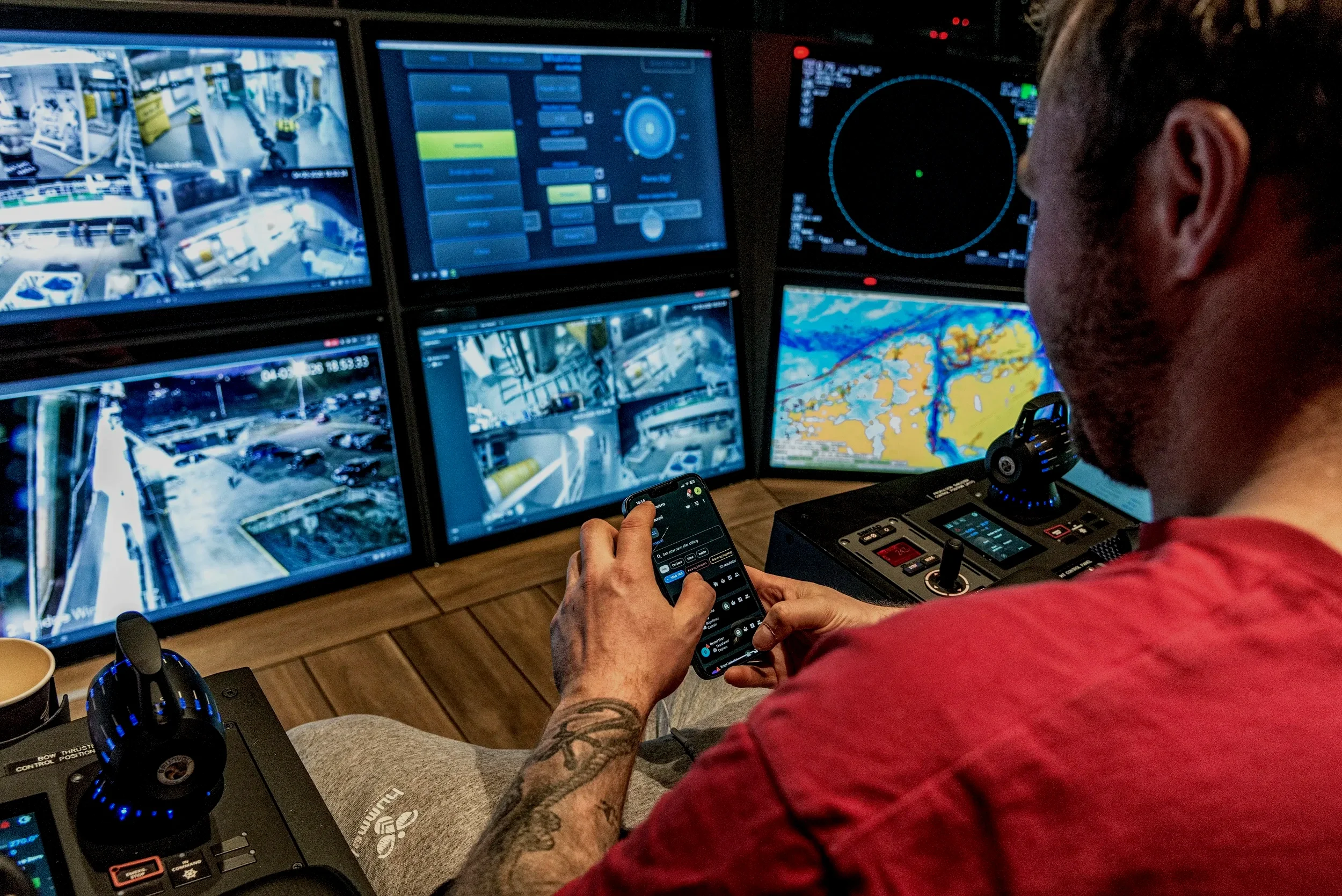
"I have used the Norseye system more in the last three weeks than the other systems in the last three years."
Fisherman, M/S Leinebris
Our modules
Built for how shipping companies actually work
-

Routines
Collects procedures, risk assessments, checklists and protective equipment matrices into one user-friendly module for daily operations, maintenance and safety.
-

Familiarization
Structured crew familiarization, with assignment based on position or directly to the individual employee.
-

Electronic logbooks
Digital deck, engine and radio logs that are integrated into the Norseye system and approved for use by the Norwegian Maritime Authority.
-

Certificate
Gives the shipping company a simple overview of the vessel's certificates, expiration dates and intermediate due dates with clear notifications in the system.
-

Documents
Collects and structures the shipping company's documentation in one clear module, with folder structure, versioning and notification of new versions.
-

Report
Customized reports that can be set up according to the shipping company's needs and linked to relevant maintenance jobs.
-
Trip
Planning of trips, shifts and crewing with an overview of activities, personnel on board and any deficiencies before departure.
-

Personnel
Overview of employees, competence, certificates, familiarization and work/rest time, collected on the individual's personal profile.
-

Deviation
Easy registration and follow-up of deviations with unified communication, documentation and linkage to relevant maintenance jobs.
-

Positions
Create positions with associated certificate requirements and familiarization requirements, automatically linked to the individual employee.
-
Access control
Gives the shipping company control over who has access to different parts of the system based on position, person or module.
-

Maintenance
Maintenance and components
DNV type-approved maintenance module with maintenance jobs, component overview and clear notification of due dates. -

Stock
Stock and ordering
Simple overview of inventory and orders across the fleet, designed for convenient use on board. -

Chemicals
Chemicals and exposure log
Overview of chemicals, safety data sheets, inventory and exposure – collected in one digital module. -

ROB / Tank
ROB, tank inventory and hour counters
Overview of tank stocks, consumption and operating hours.
Routines

Familiarization
Electronic
logbooks

Certificate
Documents
Report
Trip
Personnel
Deviation
Maintenance
Positions

Stock
Access control
Chemicals
ROB / Tank
Onboarding
01
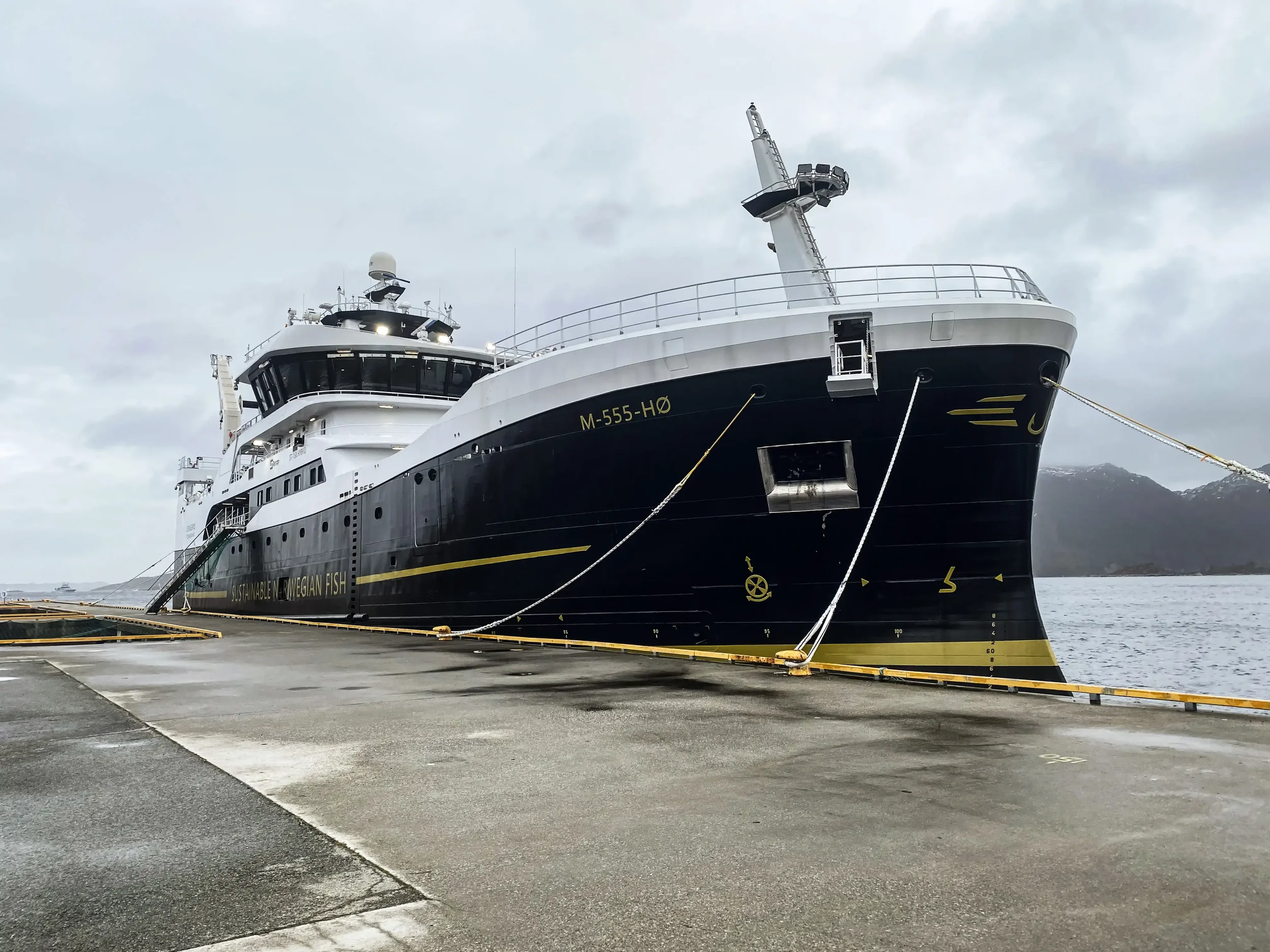
What are you doing?
Signing agreement
Sending over existing documentation
Identifying super users on vessels and land
What we do
Setting up the ISM framework for the fleet
Imports procedures, maintenance and personnel
Trains crew and HSEQ on board and ashore
Daily operations
02
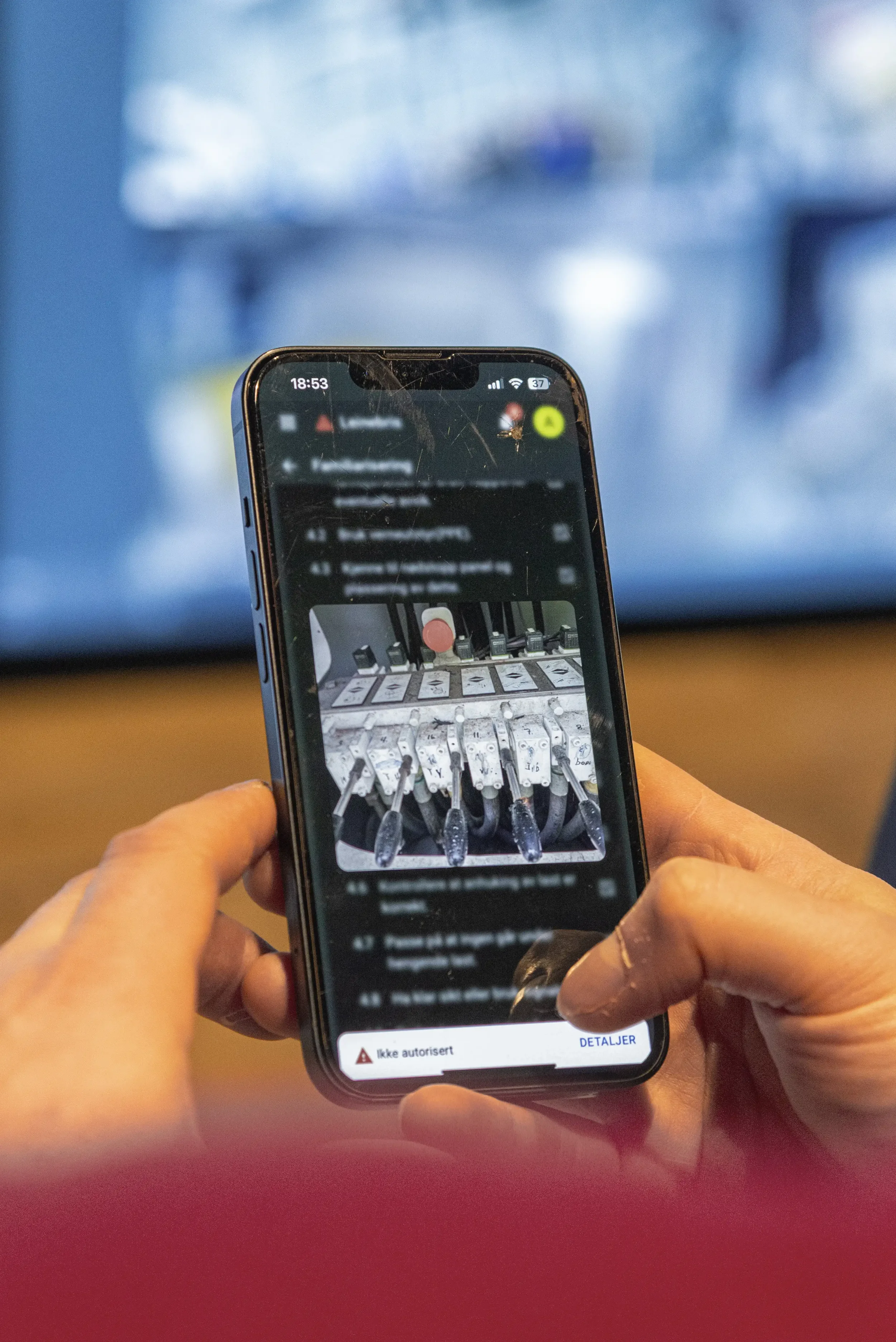
What the crew does
Using the system on board mobile or PC
Logs checklists, exercises and deviations where the work happens
Follow maintenance plans directly in the app
What we do
Keeps the system up to date with regulations
Provides support to crew and HSEQ
Ensures that documentation is audit-ready *
In case of incident
03
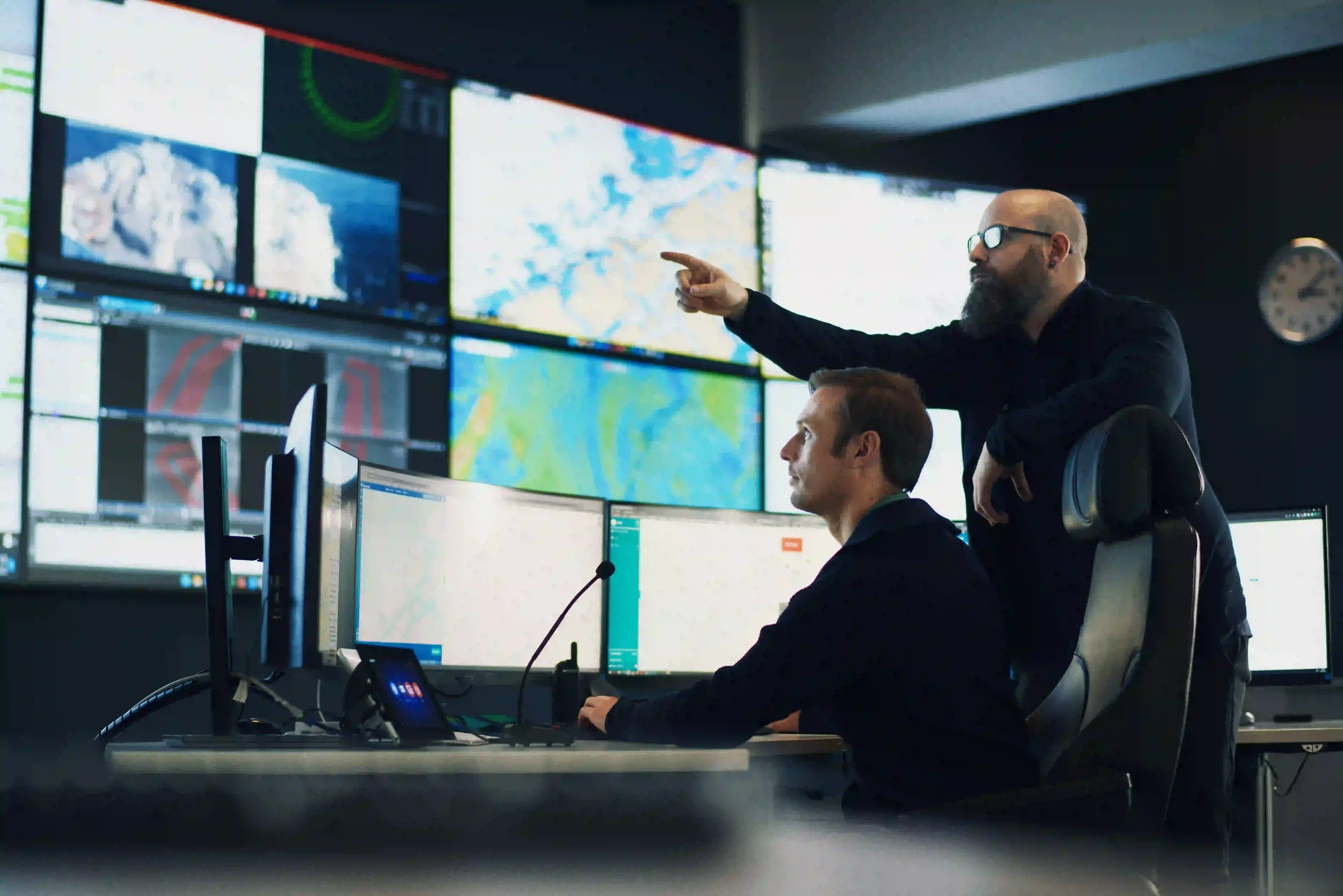
What the crew does
Calling Norseye Control
When a maritime professional immediately
Receive support and advice through the incident
What we do
Notifies HRS and agencies without response time
Sends emergency data and nearby resources to HRS
Confirms to crew and shipping company that notification has been sent
* Requires subscription to Norseye Operational Support, an additional service we will review in more detail in the demo.
All included
Most shipping companies put together safety management, maintenance, logbooks, chemicals and emergency preparedness from four to five different places. Norseye brings it all together in one agreement.
THE NORSEYE SYSTEM

Security Management (SMS)
Maintenance (PMS)
E-logbooks
Chemical register
Mobile access for crew
24/7 Staffed emergency response
VS.
OTHER VENDORS
Maintenance (PMS)
Security Management (SMS)

E-logbooks
Chemical register
Mobile access for crew
24/7 manned emergency service
Norwegian shipping companies use Norseye
"Safety at all levels is very important to our shipping company, and we depend on having a support player who knows safety and emergency preparedness. That is why we have chosen Norseye's emergency preparedness solution with all the expertise we need for a safe everyday life at sea."
– JORUNN HUSBY NEKSTAD General Manager O. Husby Shipping Office
"If we have an incident at sea, we need to know that we are able to handle this quickly, efficiently and without error. Norseye is trained for this, and together with our own emergency response organization, we are now better prepared than ever if an accident occurs."
– VICTOR JENSEN Abyss Group 
"For us, this is about safety culture in practice. Those on board and those working in the shore organization train, follow up and work in parallel towards the same goal: A safer and easier everyday life on board."
– ØYVIND URAN Captain, Leinebris. 
“I personally think Norseye has come a long way in the past year, and we feel that all of our input is being carefully considered and that most of it is being implemented in the system.
The big advantage, as I see it, is that we have everything together on one platform.
The system is user-friendly and regularly updated.
– ANDERS NEERLAND KMS/IK Manager EINES AS
READY WHEN YOU ARE
Not just a system.
Safety made easier .
No obligation. No preparation required.
Frequently asked questions
-
Yes, it is a modular setup that scales according to operation and vessel size, both above and below 500 GT. Used by shipping companies in fisheries, aquaculture, offshore, offshore wind and public sector.
-
Yes. Norseye is developed in line with the Safety Management Regulations and the ISM Code. The digital logbooks are accepted by the Norwegian Maritime Authority, and the maintenance module is DNV type approved.
-
Norseye brings together safety management (SMS), maintenance (PMS), electronic logbooks, chemical handling and manned emergency response 24/7 in an integrated platform. This eliminates the need to distribute the functions to separate suppliers. It gives the crew one tool in daily operations, and HSEQ managers continuously updated documentation leading up to audits.
-
The Norseye system consists of several integrated modules, including safety management, maintenance system, electronic logbooks, deviation management, personnel and competency overview, exercises and familiarization, inventory and ordering, trip planning, and chemical and exposure management.
-
Yes, we do. With Norseye's module for electronic deck logs, all NOR/NIS vessels can replace paper-based deck, engine and radio logs in favor of our digital solution.
-
Setup and onboarding are tailored to the customer's size and needs. Norseye provides structure, templates and training for a quick and efficient start-up.
-
Yes. The Norseye system is developed with integrations with other relevant systems in mind, including finance, reporting and fleet management.